Hide private details before sharing.
TapMask helps you blur faces, redact screenshots, mask license plates, hide private text, remove EXIF metadata, and export clean images without uploading your photos.
TapMask is currently an iPhone app. If you are watching on Mac, open this page on your iPhone to download it.
TapMask is not a Mac app yet. Send this page to your iPhone, then tap Download to open the iPhone App Store listing.

See how TapMask redacts private text.
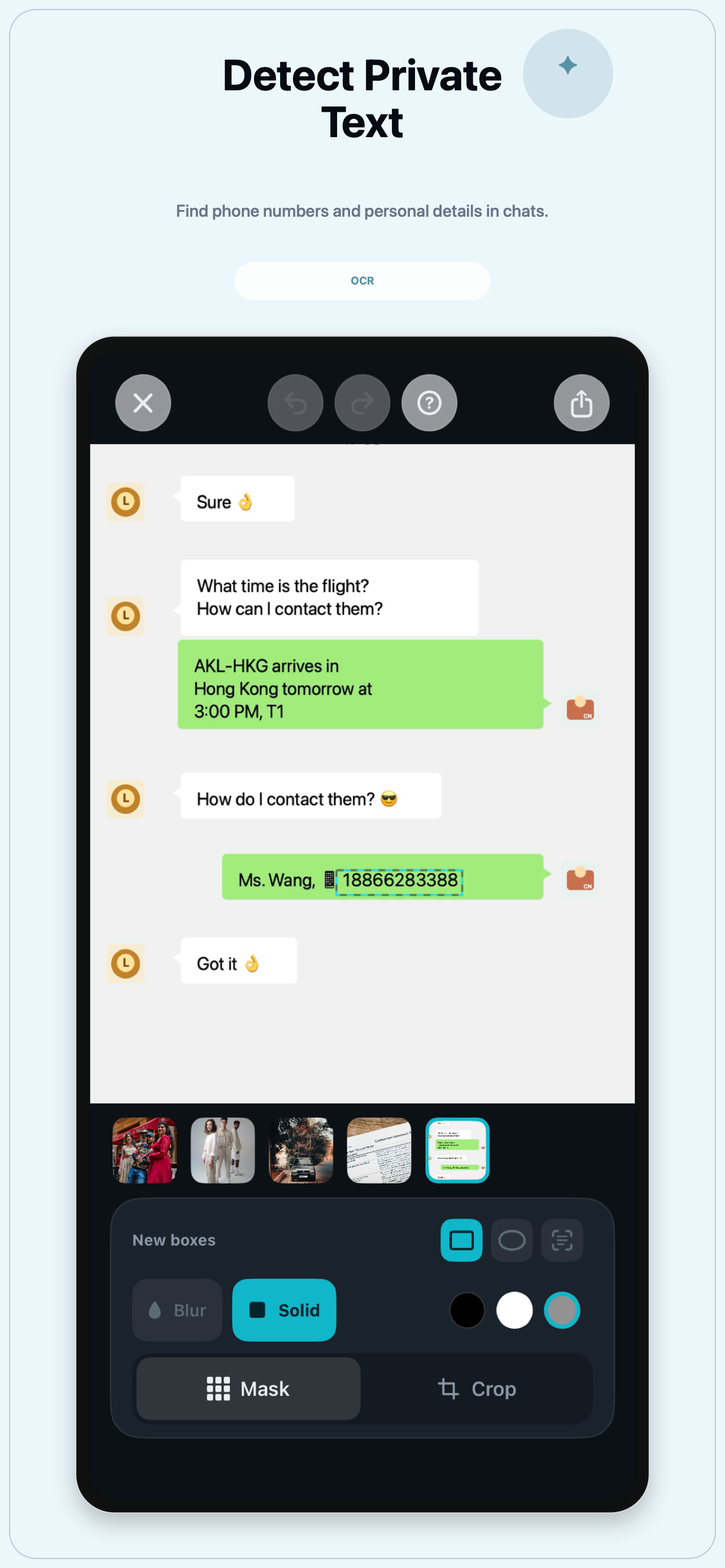
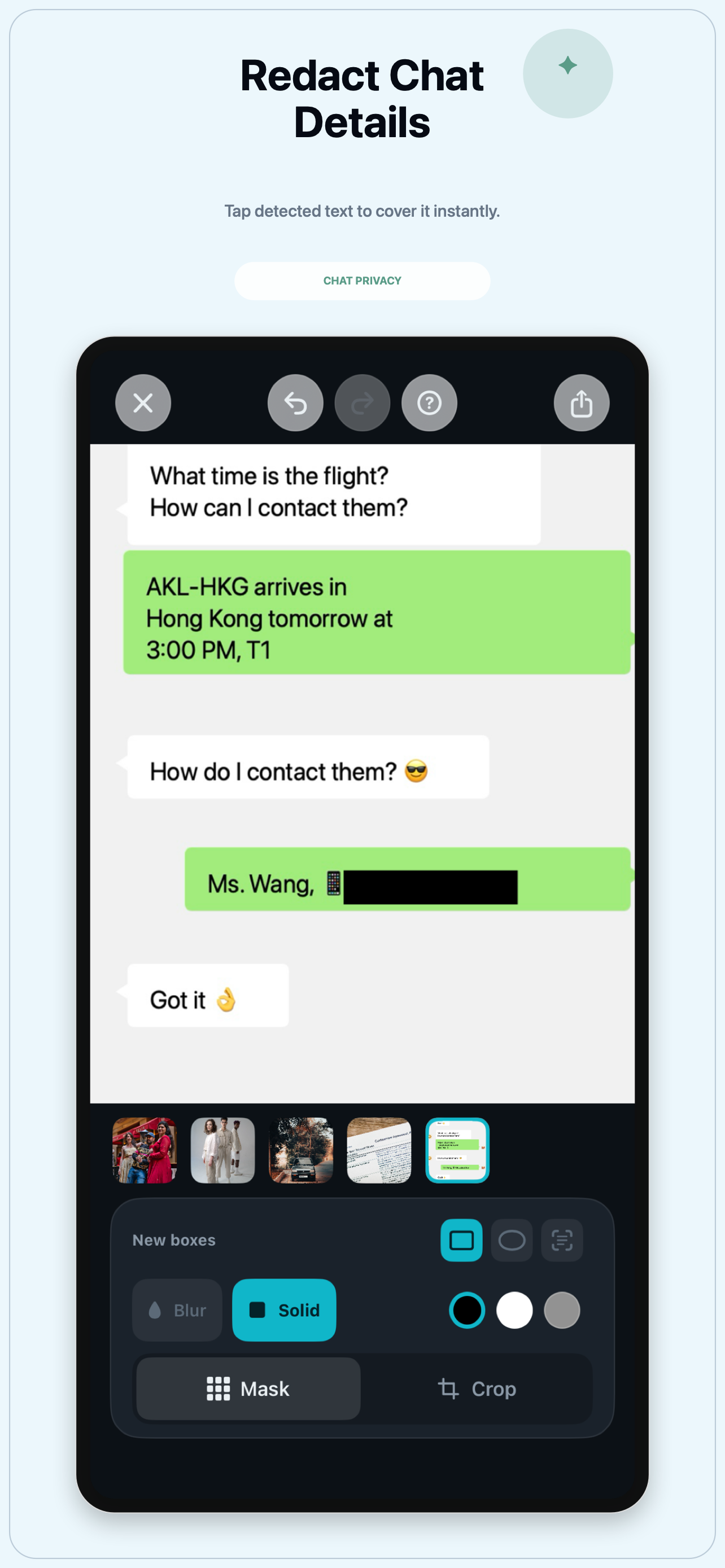
Open a screenshot, let TapMask detect private details on your iPhone, tap the names, phone numbers, addresses, IDs, or email details you want to hide, then export a cleaner copy before sharing.
Built for everyday iPhone privacy edits.
Use TapMask to blur faces, redact screenshots, mask license plates, hide text in photos, remove EXIF metadata, and clean up images before sharing.
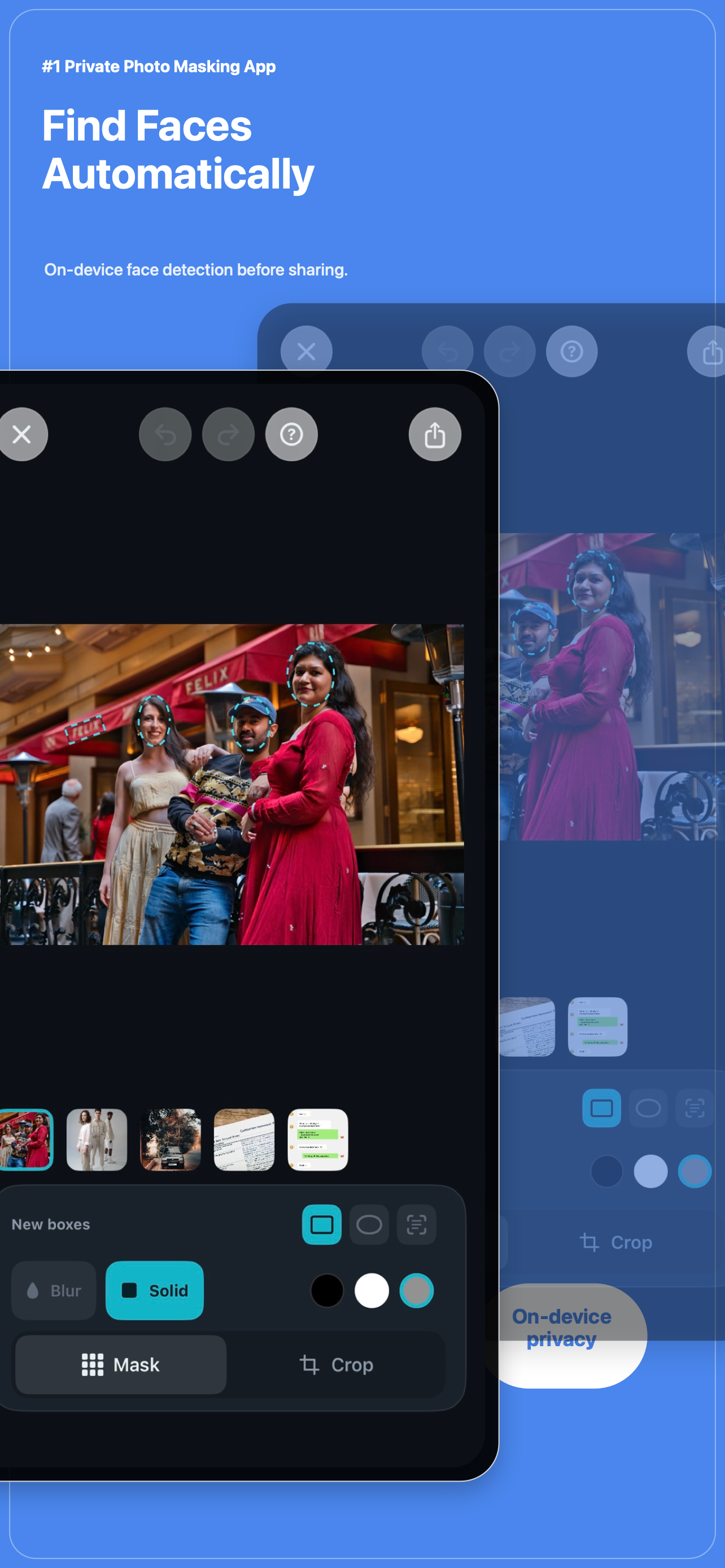
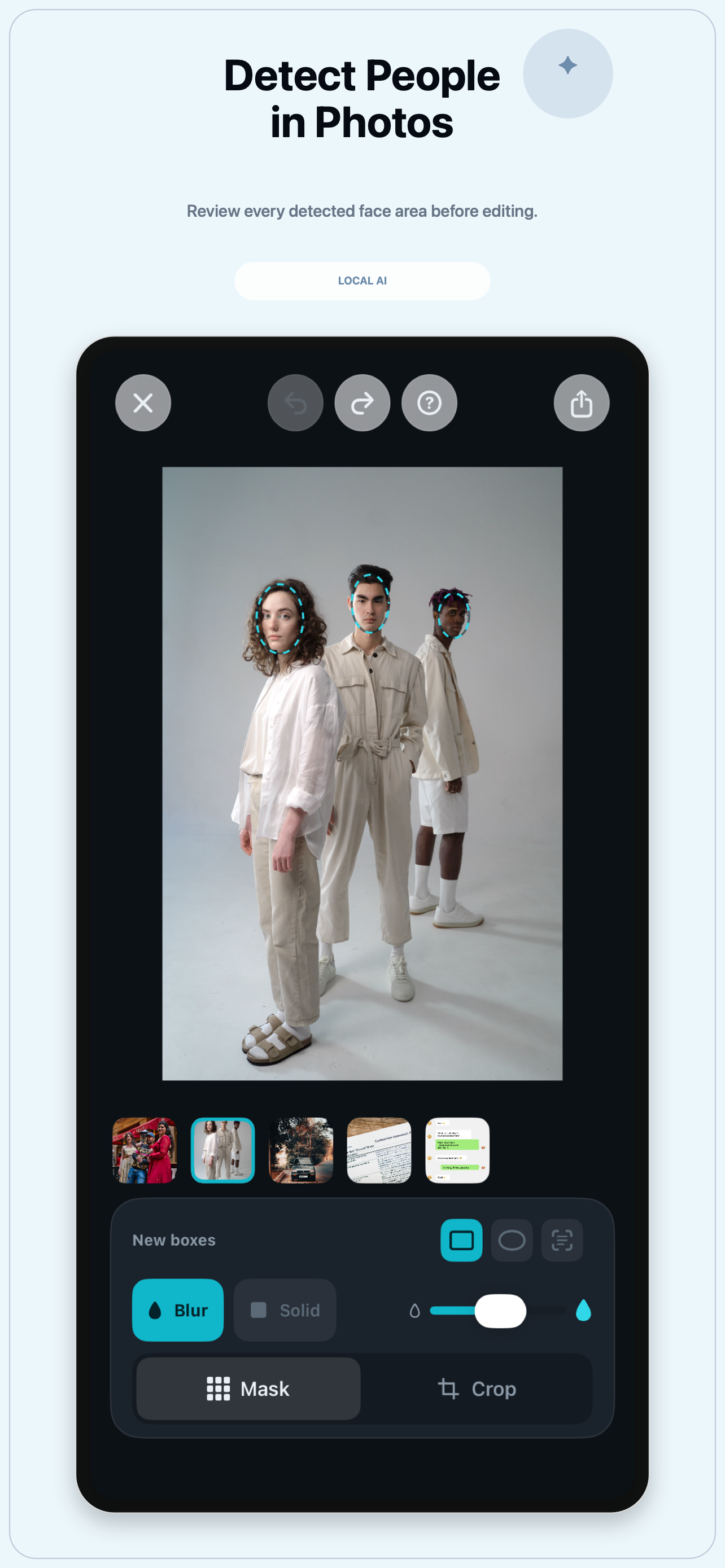
OCR and face detection run on your iPhone, so names, phone numbers, addresses, IDs, faces, and other private details can be found before you share.
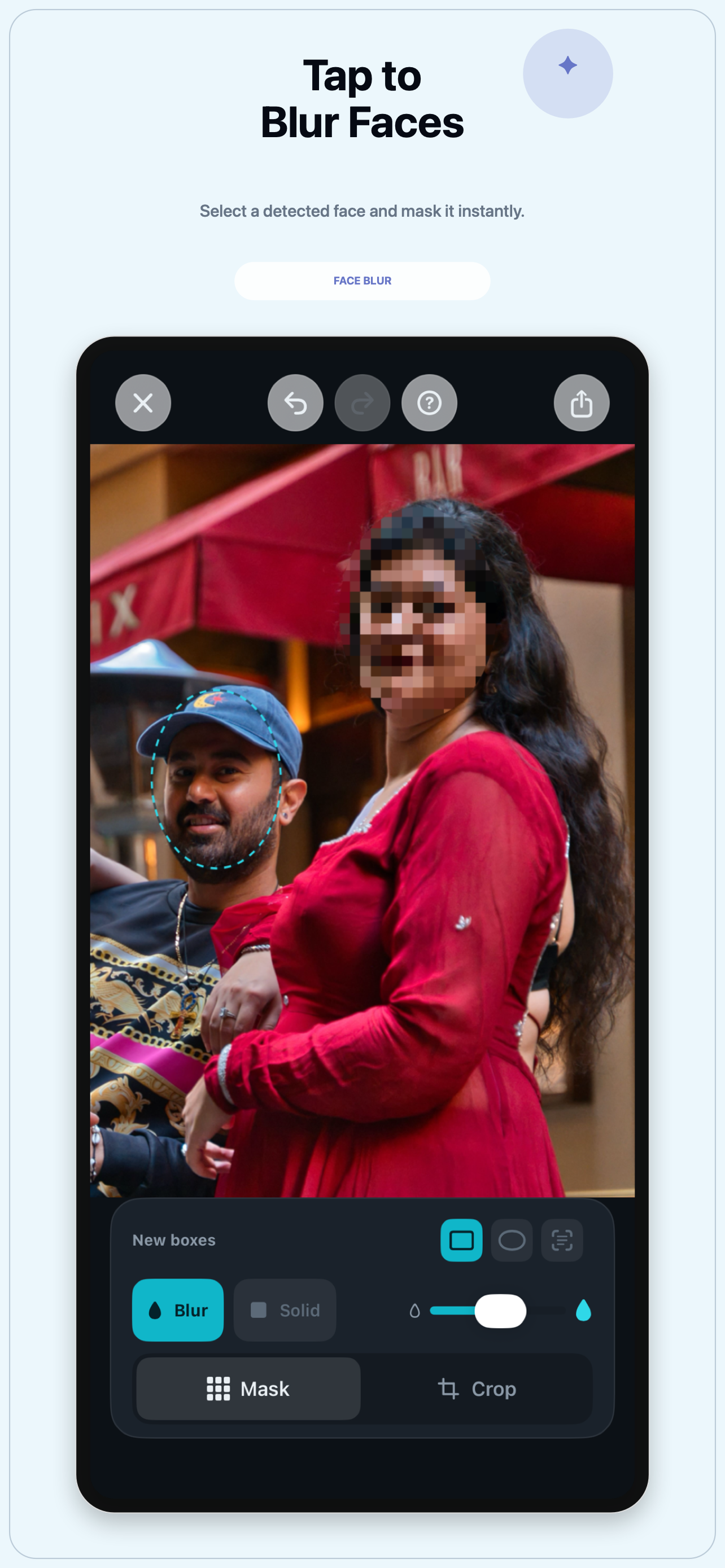
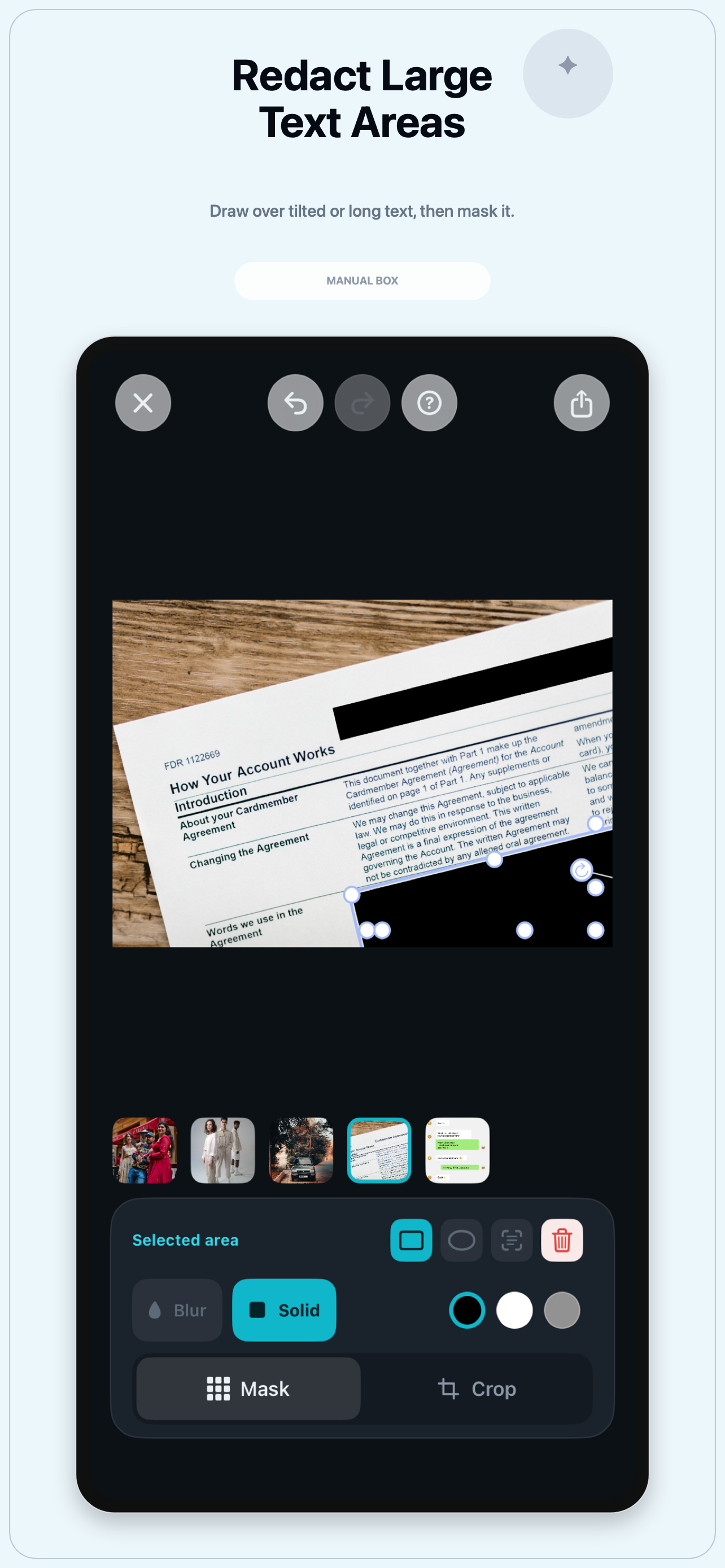
Tap detected areas, blur faces, adjust redaction boxes, or draw a manual mask for larger text areas in screenshots and photos.
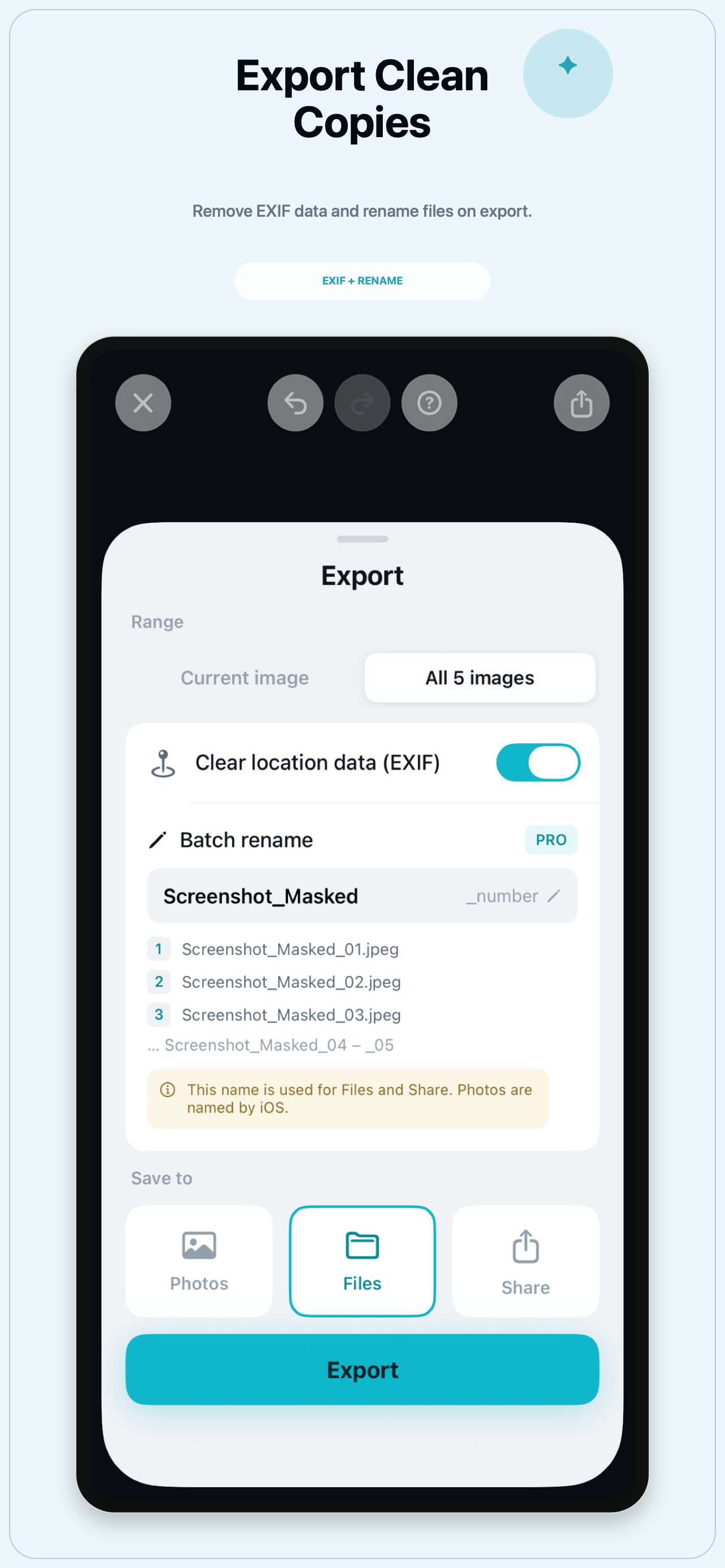
Export clean copies without photo metadata such as location information. Batch export and rename workflows are available as an optional upgrade.
Common ways to use TapMask.
People search for these small privacy tasks every day. TapMask brings them into one iPhone workflow.
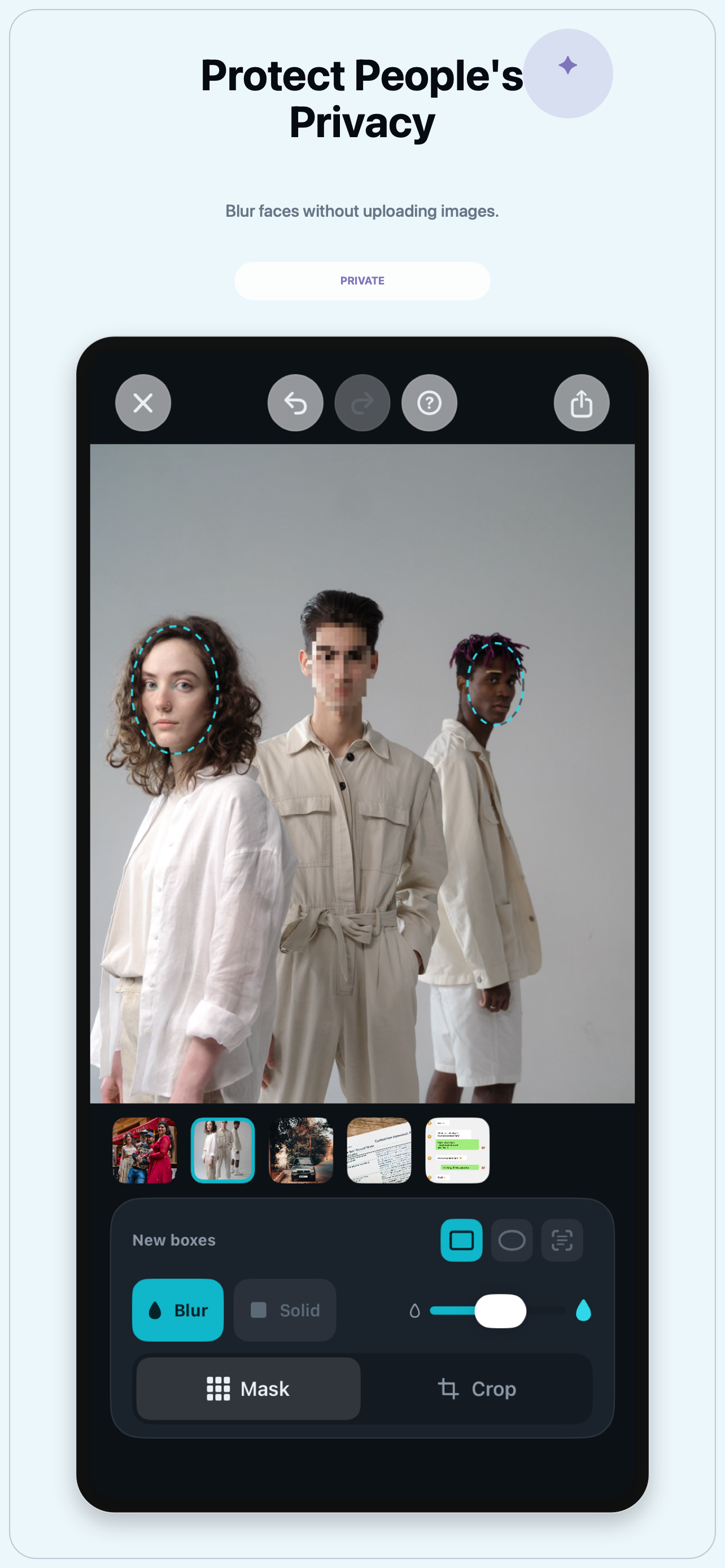
Find faces in photos and blur the people you do not want to show before posting or sending the image.
Hide private text in chat screenshots, email screenshots, order pages, receipts, documents, and support conversations.
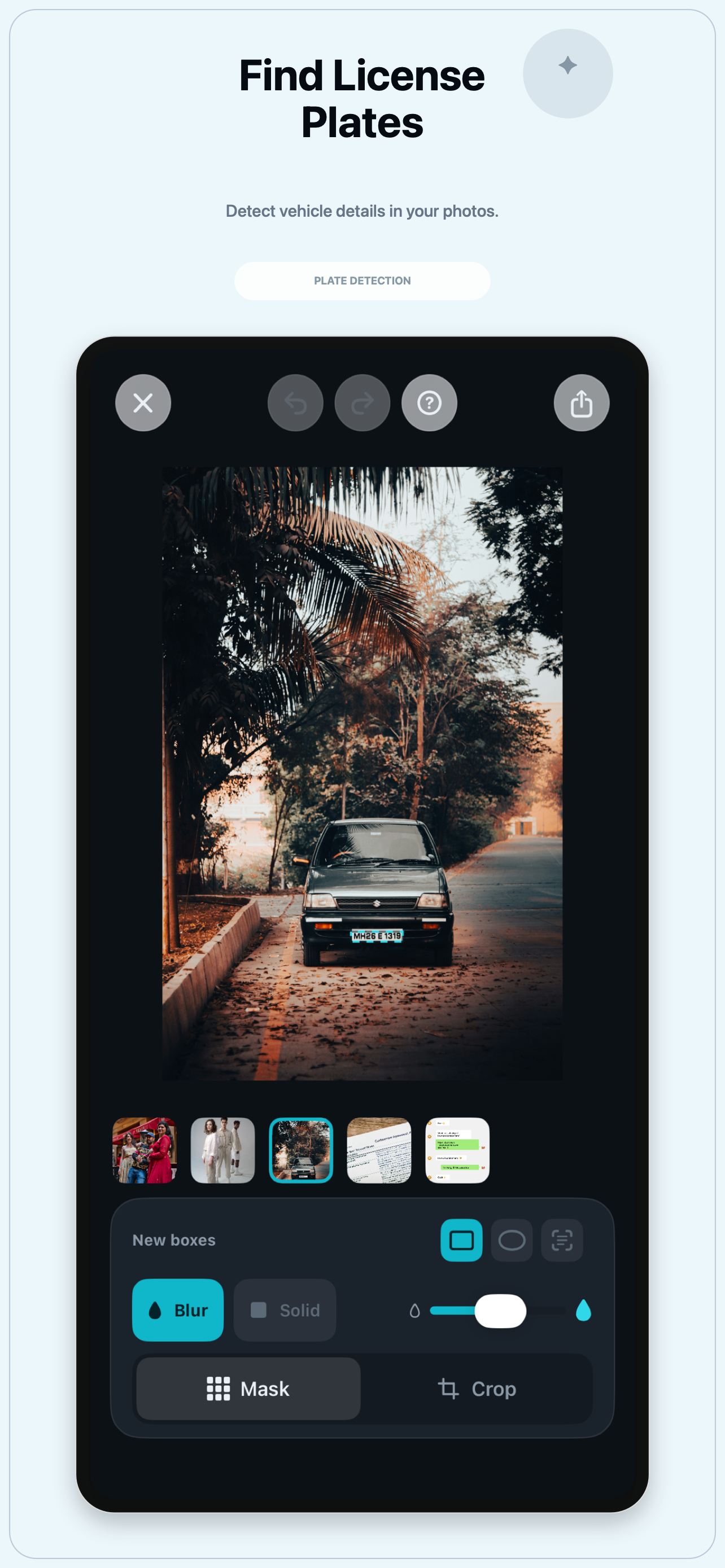
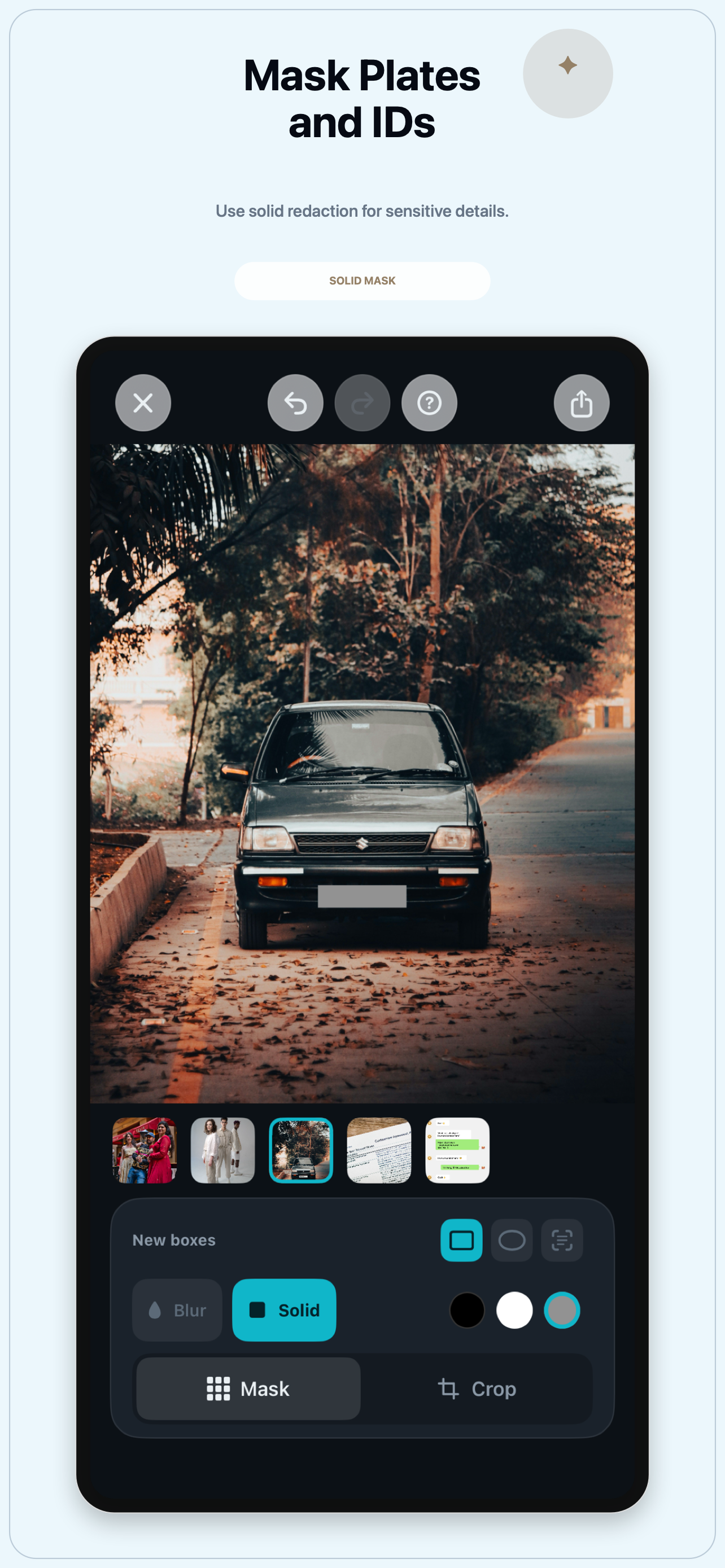
Mask car plates, ID numbers, account numbers, confirmation codes, addresses, and other details that should stay private.
Remove photo metadata such as location information before exporting a clean copy from your iPhone.
Review screenshots for phone numbers, names, email addresses, home addresses, and copied recipients before sharing.
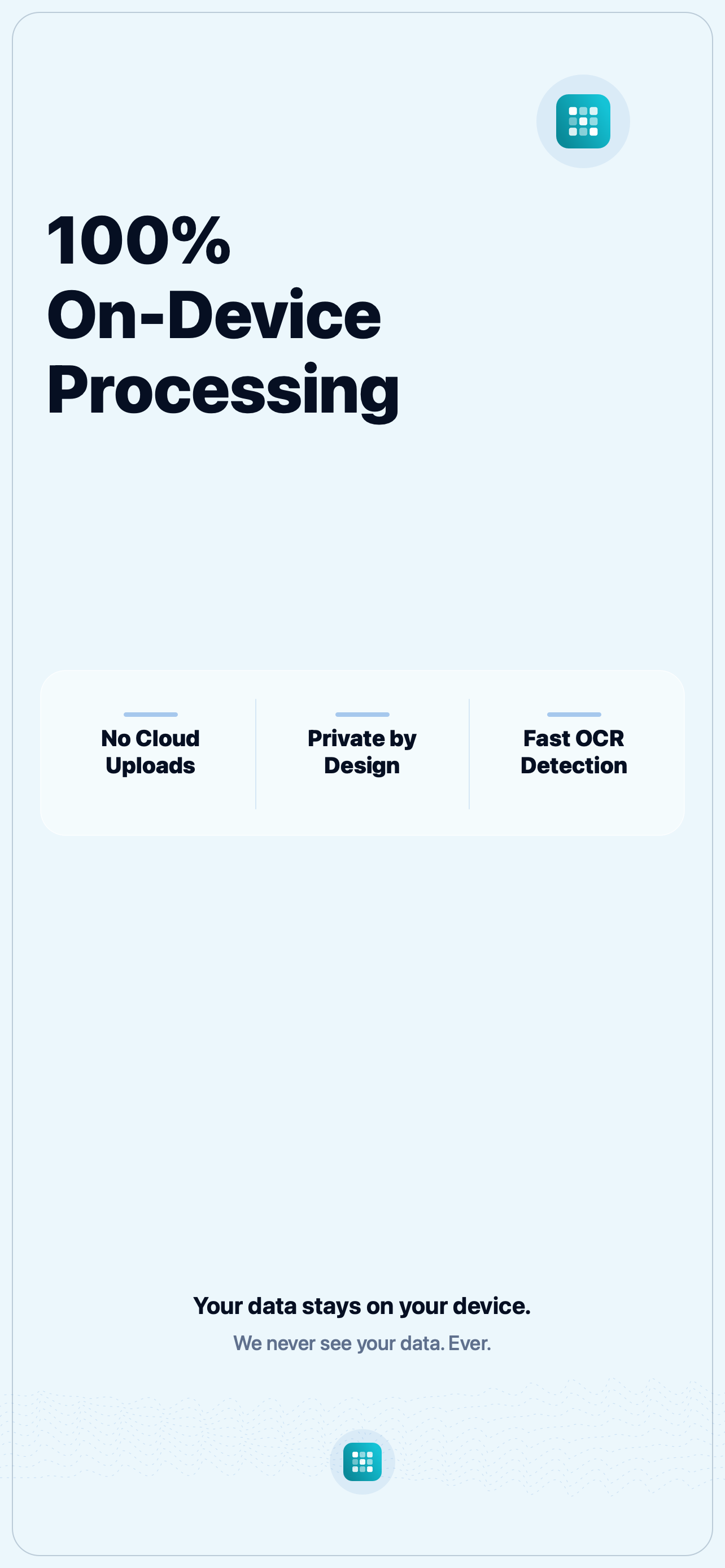
Image recognition and editing happen locally on iPhone, with no cloud uploads to developer servers.
See TapMask in action.
All 11 launch screenshots are shown here. Swipe horizontally on smaller screens.
Privacy masking guides.
Short answers for common iPhone privacy searches before you share screenshots or photos.
Hide selected people in photos before posting or sending images.
Mask names, addresses, emails, IDs, and phone numbers in iPhone screenshots.
Export cleaner photo copies without location metadata before sharing.
Cover car plate numbers before sharing vehicle, street, or marketplace photos.
Hide personal information before sending screenshots to chatbots, AI agents, support forms, or cloud services.
Blur faces and check photos for people, plates, text, and metadata before posting.
Your photos stay with you.
Image recognition and masking run locally. TapMask does not upload your photos, detected text, or editing activity to developer servers.
TapMask does not collect analytics, advertising identifiers, diagnostics, or usage history.
TapMask contacts Apple services only when you view, purchase, verify, or restore an optional upgrade.
Export clean images and remove metadata such as location information when you choose.
Editing files are temporary and exports go only to destinations you choose.
FAQ
Quick answers for privacy, free use, and device support.
Does TapMask upload my photos?
No. Image processing runs on your iPhone. Photos, detected text, and editing activity are not uploaded to developer servers.
What can TapMask detect?
TapMask can detect image text and faces. This helps you mask phone numbers, names, addresses, email details, IDs, license plates, chat details, document text, and faces before sharing.
Can I try TapMask for free?
Yes. TapMask is free to download and try. Some advanced workflows are available as an optional in-app upgrade.
Does TapMask support iPad, Mac, or Vision Pro?
TapMask is currently focused on iPhone. If you visit from Mac, send this page to your iPhone and download it from the iPhone App Store.